Overview
There are hundreds of family members eager to relive the memories of a big event. Sharing all the photos within a few days gives extreme satisfaction to everyone involved. But if sharing is difficult, it creates frustration, disappointment, and an avalanche of access request notifications. GetUrSnap ensures this never happens — with smart access controls that put your client in the driver's seat.
The Problem
When you use generic cloud drives, every share request comes to you — the photographer. You're in the middle of another shoot when notifications start flooding in: "Can I get access?" "Which folder are my photos in?" "The link isn't working." You have to stop what you're doing, manage permissions, copy-paste links into different chat groups, and handle dozens of individual requests. It's a logistical nightmare that distracts you from your core work.
The Solution
GetUrSnap lets you share the entire gallery with your client and make them an admin. Now your client has full control — they can share the gallery with their friends and family without triggering hundreds of notifications to you. Sharing is as simple as entering an email address and clicking a button. An email with a unique gallery link is sent automatically. Recipients enter their name, and boom — memories are shared. No more copy-pasting links, no more access request chaos, no more forgetting to share with someone while the memories are still fresh.
Key Benefits
PIN-protected galleries
Every gallery is secured with a PIN code. Only people with the PIN can access the photos, ensuring privacy for your clients.
Delegated admin access
Make your client the gallery admin. They handle sharing with family and friends — you focus on your next shoot.
One-click email sharing
Share a gallery by entering an email address. A unique link is sent automatically — no manual copy-pasting required.
Zero notification overload
When your client manages sharing, you don't get bombarded with access requests during other shoots.
How to Use
Follow these steps to get started with Gallery Sharing & Access Controls in your GetUrSnap dashboard.
Set your gallery PIN
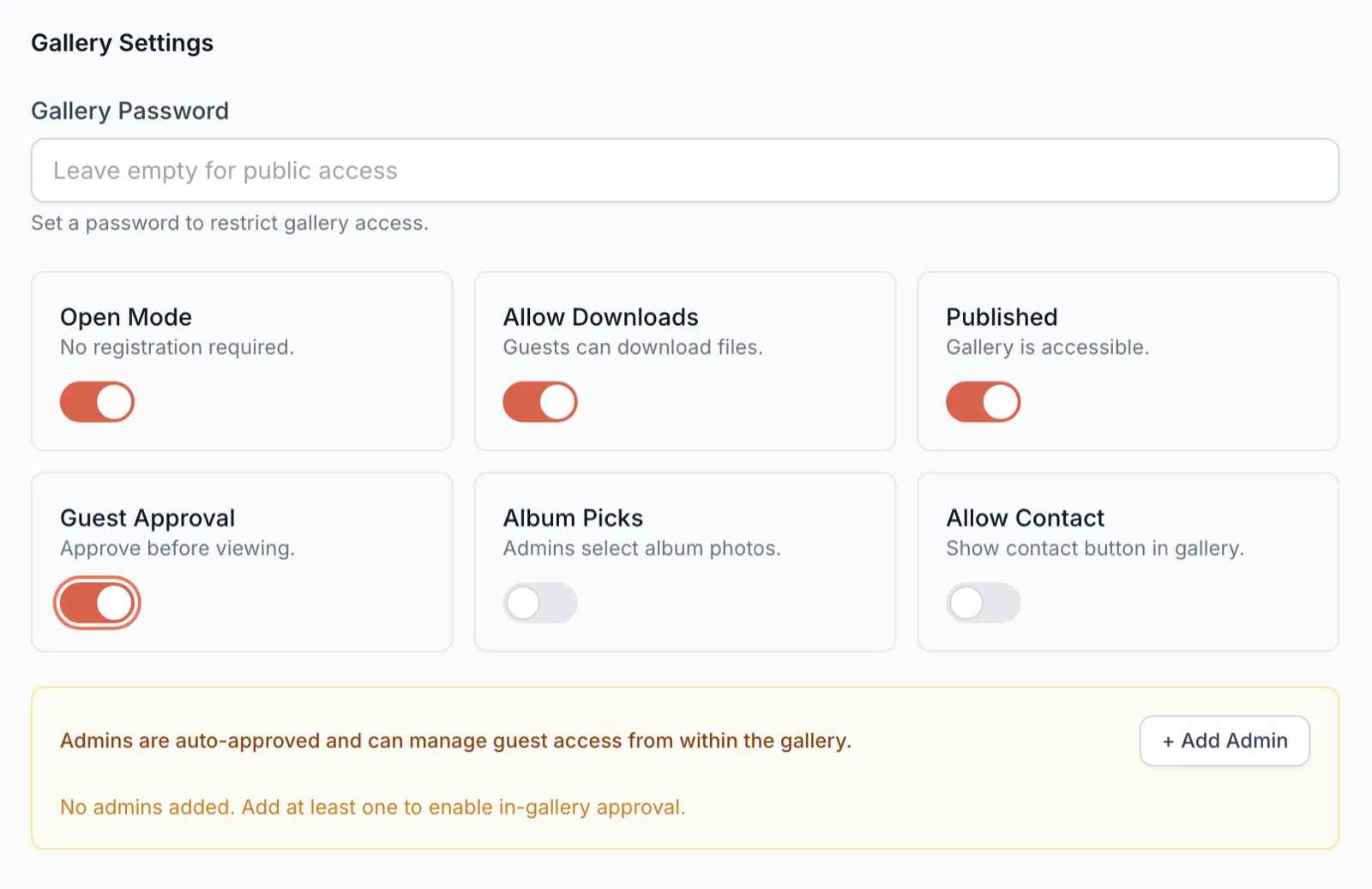
When creating an event, set a gallery PIN. This code will be required for anyone accessing the gallery.
Share with your client
Enter your client's email address and click share. They'll receive an email with a unique gallery link and the PIN.
Grant admin access
Toggle the "Admin" switch for your client. This lets them share the gallery with others on your behalf.
Client shares with family
Your client can now share the gallery with family members by entering their email addresses — no photographer intervention needed.
Track access history
View who has accessed the gallery, when they last viewed it, and how many photos they've downloaded — all from your dashboard.
Deep Dive
Why delegated access changes everything
In a typical Indian wedding, 200–500 family members want access to the photos. If every request goes through the photographer, that's hundreds of messages, links, and follow-ups. With delegated admin access, the photographer shares once with the client, and the client handles the rest. This single change eliminates what is often the most frustrating part of post-event workflow for photographers.
Privacy and control you can trust
Every gallery access is logged. You can see exactly who has viewed the gallery, what they've downloaded, and when. If you need to revoke access for any reason, you can do it instantly. The PIN system ensures that even if someone shares the gallery link publicly, unauthorized viewers can't get in without the code.
Pro Tips
Share the gallery with your client within 24 hours and let them handle family sharing. This dramatically reduces your post-event workload.
Use different PIN codes for different events. Never reuse PINs across clients for security.
Check the access log periodically to see engagement — it's great social proof for your portfolio.